Gym access control: what to check before choosing software
Access control is not only a door problem. It connects payment status, member identity, class capacity, staff workflows and reporting.
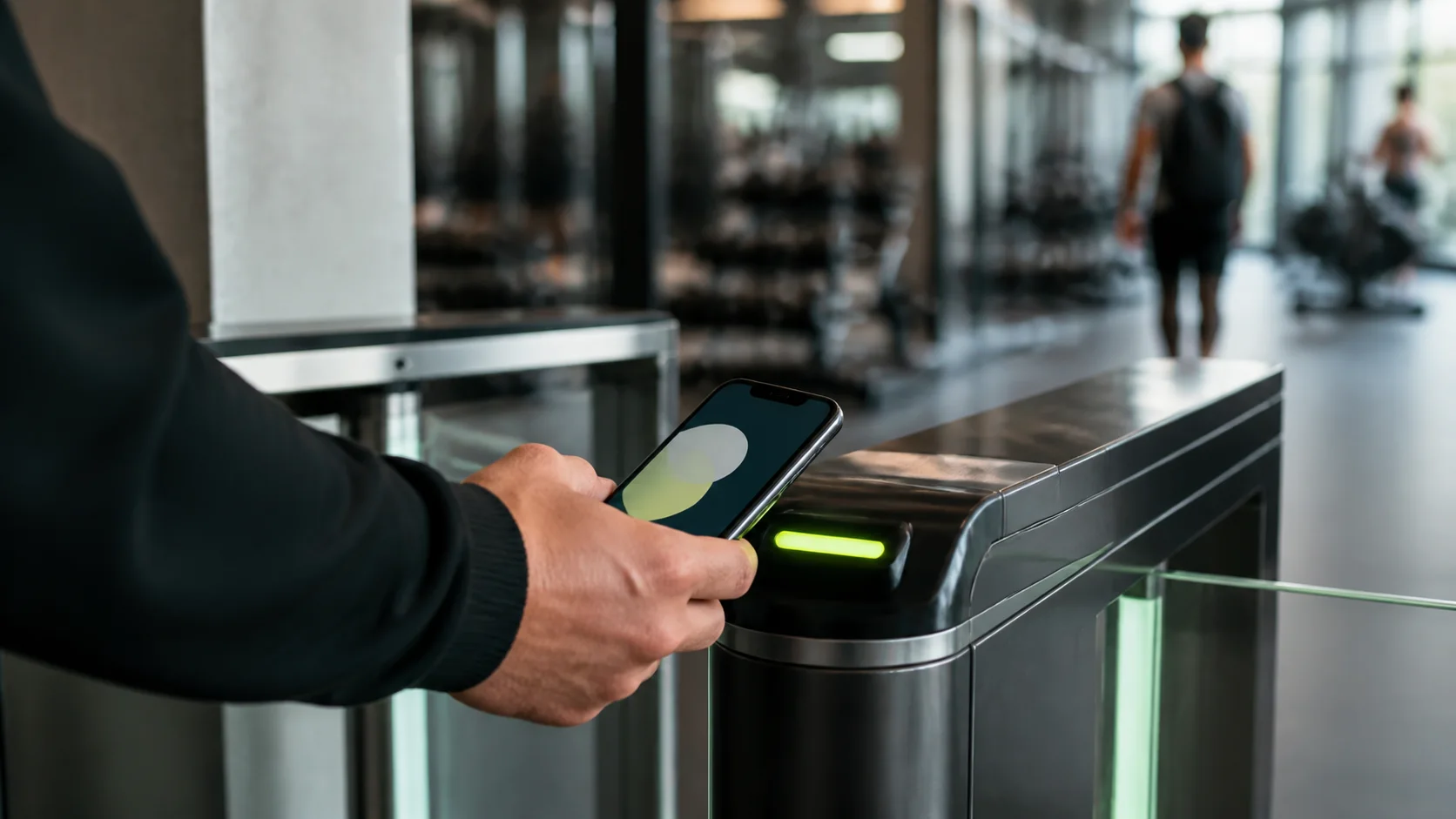
RFID, NFC and QR check-in
See the Shredeo check-in feature
RFID, NFC and QR check-inChoose the right method for the moment
QR check-in works well for flexible reception flows. RFID and NFC are better when speed, cards, wristbands or desktop readers matter. The best setup often combines more than one method.
Avoid choosing hardware before the workflow is clear: staffed reception, unattended entry, class attendance and event check-in do not need the same flow. Start from the member journey and staff workflow, then decide which devices make sense.
- QR for fast mobile check-in
- RFID/NFC for reception and cards
- Real-time class attendance
- Fallback flow when a member forgets credentials
Compare QR, RFID, NFC and manual check-in
Most gyms need more than one check-in mode because not every member, class or reception moment behaves the same way. The software should let staff keep a clean fallback instead of forcing one rigid method.
Use the comparison below to separate access control software from a simple attendance list.
| Method | Best use | What to verify |
|---|---|---|
| QR code | Flexible member identity checks and mobile staff scanning. | Unique member QR, package or credit validation, cooldown and clear rejection reason. |
| NFC or RFID | Fast reception or kiosk flow with cards, badges or wristbands. | Reliable scanner flow, access result in seconds and a manual fallback when needed. |
| Manual staff check-in | Exception handling, forgotten badges and front-desk support. | Staff can still see status, restrictions and class context before approving entry. |
| Class attendance | Tracking who actually came to a reserved session. | Attendance connects to bookings, no-show tracking, capacity and analytics. |
Connect access to billing and membership status
Access control becomes useful when it knows whether a membership is active, frozen, unpaid or limited to specific classes. Otherwise staff still need to check another screen.
The check-in system should help your team see why access is allowed or blocked without creating awkward moments at the desk. This is where overdue enforcement, temporary access restriction and package validation matter more than the door device itself.
Decide what should happen when access is refused
A blocked check-in is a sensitive member moment. Before buying software, define what staff should see, who can override, whether the member can still use the app and how the billing issue is resolved.
A useful setup can restrict physical check-in without deleting the member account. That keeps billing, app access and follow-up intact while still giving the gym operational control.
- 1. Reason visible to staff Staff should understand whether the issue is unpaid invoices, package limits, access restriction, cooldown or missing credits.
- 2. Clear fallback Decide who can manually check in a member and what reason must be recorded when an exception is made.
- 3. Payment workflow Connect overdue payment reminders, invoice status and access restriction so the member can resolve the issue quickly.
- 4. Member dignity The front-desk flow should be clear enough to avoid long explanations or public confusion at busy times.
Use access data to improve operations
Attendance data helps owners understand peak hours, underused classes, no-show patterns and retention risk. It also supports cleaner reporting when access, bookings and payments share the same system.
For independent gyms, the goal is not surveillance. The goal is a smoother member flow and better operational visibility. Look for attendance analytics that show visits, peak hours, occupancy, trends and no-show patterns without turning every review into an export task.
Where access control links to growth
Better check-in data improves more than security. It helps owners spot classes with hidden demand, members who are drifting away, offers that underperform and peak times that need staffing changes.
That makes access control part of retention and planning. The best software connects entry, bookings, payments, analytics and communication so the team can act on what it sees.
Frequently asked questions
Gym access control software manages how members check in, validates member status, records attendance and connects visits to bookings, payments, restrictions and reporting.
QR works well for flexible mobile flows and staff scanning. NFC or RFID is better for fast reception or kiosk flows with cards, badges or wristbands. Many gyms use both.
It can when billing status and access rules are connected. The important part is to keep the reason visible to staff and give the member a clear path to resolve the payment issue.
Not always. For many gyms it reduces repetitive checks and gives staff better context, while manual check-in remains useful for exceptions and support.