How to choose barre studio software
The right barre studio software should reduce front-desk work, protect class revenue and keep members coming back. Use this checklist to compare tools beyond a booking calendar.
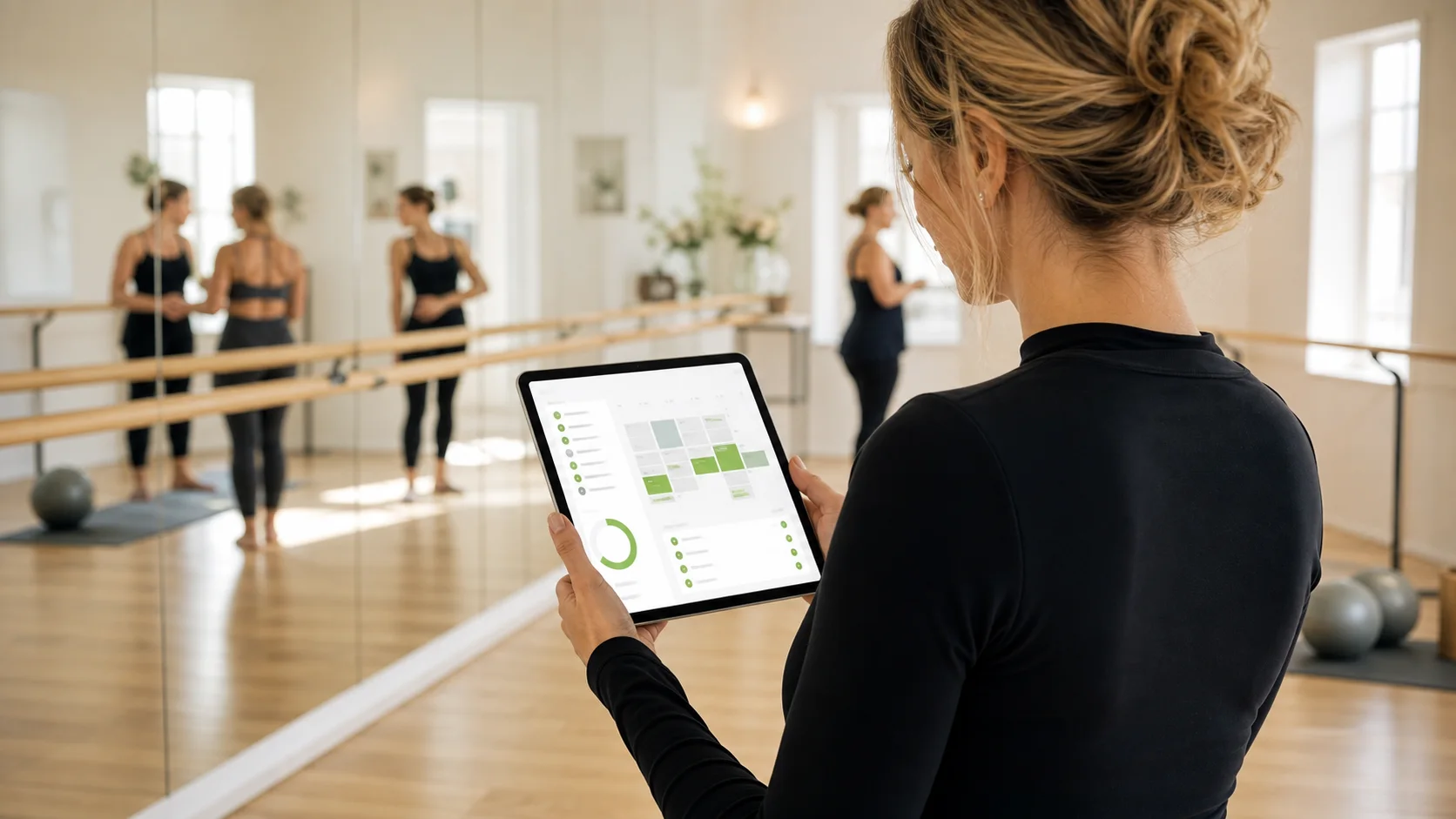
barre studio management software
Use the Shredeo barre studio software page for the product comparison and buyer decision.
barre studio management softwareStart with the class model, not the software menu
Barre studios usually run on recurring classes, limited spots, class packs, intro offers and waitlists. If the tool treats every booking like a generic appointment, staff end up fixing edge cases manually.
Prioritize class capacity, waitlist movement, late cancellation rules, package usage and member communication before you compare secondary features. The most important test is whether a busy evening class still works when someone cancels late, a member has no credits left and another member is waiting for a spot.
- Recurring barre classes and workshops
- Class packs, memberships and intro offers
- Waitlists and no-show handling
- Member reminders before and after class
Compare the workflows that protect class revenue
A barre studio loses margin in small operational leaks: empty spots after late cancellations, unused intro offers, manual pack tracking and missed payment reminders. Good software should remove those leaks without making the front desk slower.
Use the comparison below when you demo tools. It is more useful than asking whether a platform has “bookings” because almost every tool can say yes to that.
| Workflow | Weak signal | Strong signal |
|---|---|---|
| Class capacity | Capacity is a note or a manual count. | Capacity, bookings and waitlists are enforced in the booking flow. |
| Packs and memberships | Credits are checked in a spreadsheet after class. | Class packs, recurring memberships, credits and app visibility are connected. |
| Cancellations and no-shows | Staff decide case by case and message members manually. | Cancellation rules, credit refunds and no-show policies are configurable. |
| Member communication | Reminders are sent from a generic inbox. | Branded email, SMS where enabled and app notifications support the same workflow. |
Check the member experience your brand will actually ship
Boutique studio retention depends on how polished the booking and reminder experience feels. A generic app with one accent color changed is rarely enough if your studio sells a premium experience.
Look for a branded app or portal, clean emails, branded PDFs and a booking flow that makes class packs, waitlists and cancellations obvious to members. If your studio already has a strong visual identity, ask whether the supplier can support a white-label app, a white-label site and embeddable calendar or waitlist components.
Make reporting useful for retention
The useful reports are not just revenue totals. Barre operators need attendance trends, pack usage, no-show patterns, waitlist pressure, churn signals and coach/class performance.
Look for analytics that stay quick to use as history grows. The owner should be able to answer practical questions fast: which class times fill, which packs renew, which members stopped booking and which instructors create the strongest retention.
Use the buyer page when the query becomes transactional
This article should help owners decide what to look for: class packs, waitlists, retention signals, branded experience, reporting and payments. It is the right page for “how to choose” and criteria-led searches.
When the searcher is comparing vendors or wants barre studio management software directly, point them to the Shredeo barre landing page. That page explains Shredeo as the product option rather than repeating this checklist.
Questions to ask before signing
The final decision should be based on real studio scenarios, not only a feature checklist. Bring your current offers, your cancellation policy and three awkward member cases to the demo.
A strong vendor should be able to show how the same member moves through booking, payment, reminder, waitlist and reporting without leaving the system.
- 1. Booking flow Can members book, cancel and join a waitlist from the app or portal without contacting reception?
- 2. Offer setup Can you sell intro offers, class packs, recurring memberships and personal training packages without workarounds?
- 3. Brand experience Can the booking app, emails, portal and site experience look like your studio rather than the vendor?
- 4. Operational reporting Can you see attendance, waitlist pressure, no-shows, expiring packages and revenue without rebuilding reports manually?
Frequently asked questions
Barre studio software helps a studio manage class schedules, bookings, waitlists, class packs, memberships, payments, member communication and reporting in one operational system.
Most barre studios use both. Intro packs help conversion, class packs suit flexible members and recurring memberships support predictable revenue. The software should support all three without manual credit tracking.
Yes. Barre classes often have limited spots, so waitlists protect revenue when members cancel and help owners see where demand is higher than capacity.
A white-label app matters when the studio sells a premium brand experience and wants booking, reminders and member self-service to feel like part of its own brand.