Gym Management Software with a Built-In Website CMS
Most gym management software stops at schedules, members and payments. Then your website lives somewhere else: WordPress, Wix, an agency retainer or a developer backlog. Shredeo takes the stronger route: when we build and deploy your gym website, the CMS comes with it.
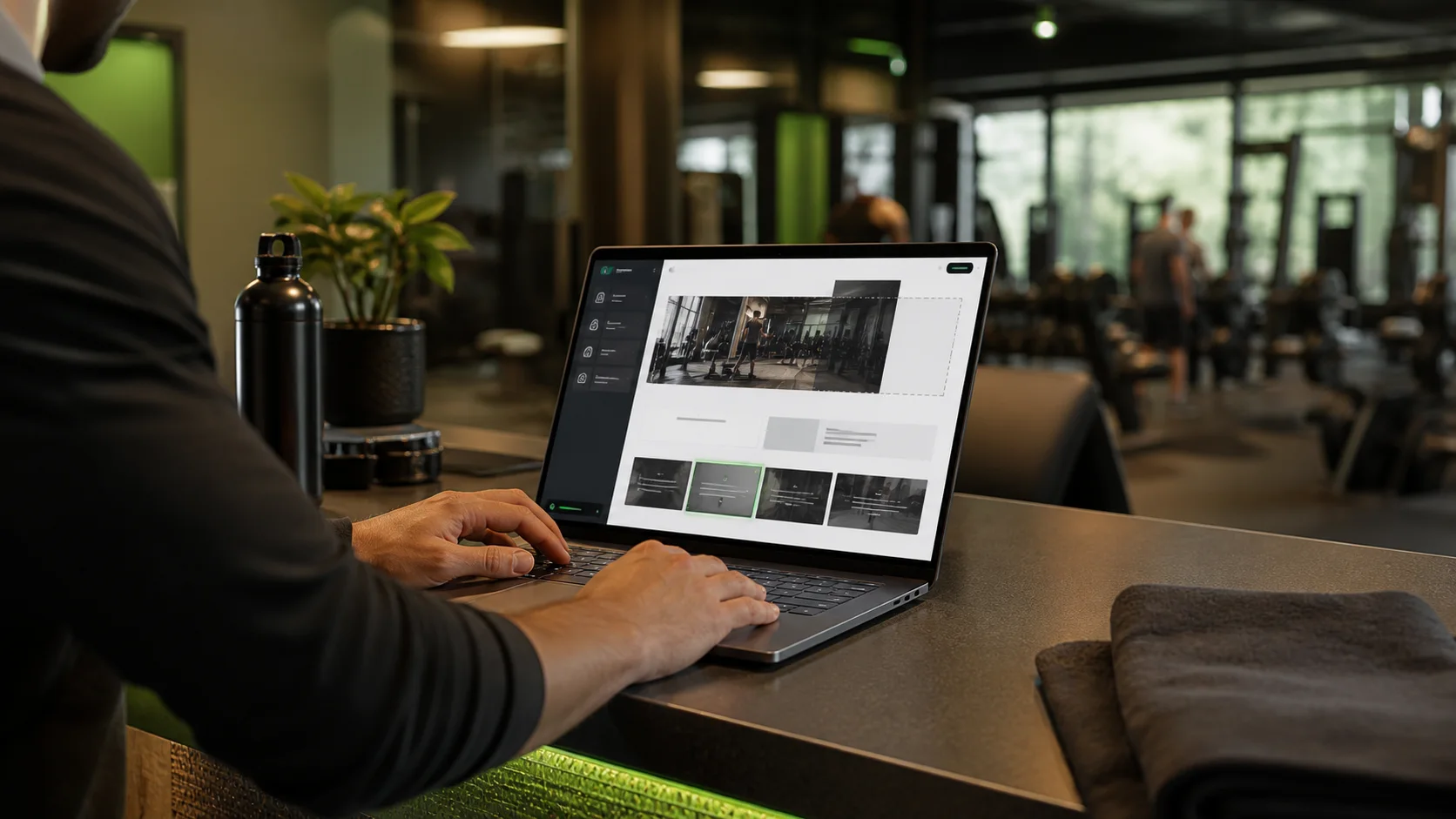
Gym website creation
See how Shredeo turns your gym website into part of your operating system: CMS, booking paths, payment flows, forms, analytics and member app links in one connected setup.
Gym website creationYour gym website should not be trapped in a separate tool
The usual gym tech stack is fragmented. One tool runs classes. Another handles payments. A third sends emails. The website sits in a generic website builder, detached from the place where bookings, trials and memberships actually happen.
That split costs speed. A new trial offer goes live late. A timetable page shows stale information. A landing page sends leads into a form instead of a booking or payment path. Shredeo CMS is built to close that gap.
- Website content editable by the gym
- Booking and waitlist paths tied back to Shredeo
- Payment CTAs aligned with packages and memberships
- SEO fields and media managed in the CMS
Built-in CMS changes what the owner can control
A gym owner should not open a ticket to change a coach bio, improve a trial offer, update a class page or publish an announcement. Those changes affect sales now, not in two weeks.
With Shredeo CMS, clients get controlled access to the parts of the website they should manage. Shredeo keeps the structure, permissions and operational connections under control, while the gym gets speed where speed matters.
This is not “just another website CMS”
A generic CMS edits pages. Shredeo CMS edits the public layer of a gym business system. That distinction matters because a gym website is not only content. It is acquisition, booking, payment, onboarding and retention.
The website can send prospects to class booking, waitlists, packages, trials, events, forms, app download and member portal access. The CMS lets you keep the public story fresh without splitting the sales journey from operations.
- 1. Edit acquisition pages Update offers, pages, media, FAQs, navigation and SEO fields without rebuilding the site.
- 2. Protect the operating flow Keep booking, waitlists, payments, forms and portal links connected to Shredeo.
- 3. Control who can change what Separate content editing, media, SEO, publishing and admin rights by role.
- 4. Launch faster campaigns Turn a new offer or event into a live website path faster than an agency queue allows.
Generic gym software vs Shredeo CMS
If you are comparing gym management software, ask a blunt question: what happens to the website after launch? In many stacks, the answer is “use another tool.” That means more logins, more handoffs and more places for the member journey to break.
Shredeo’s answer is stronger: the website and CMS can be part of the same ecosystem as the gym dashboard, app, payments, forms and analytics.
| Workflow | Typical gym software | Shredeo |
|---|---|---|
| Website updates | Handled in WordPress, Wix, Webflow or by an external agency. | Managed in Shredeo CMS when Shredeo builds and deploys the website. |
| Booking CTAs | Buttons link to a separate booking widget or generic form. | Website paths can point into Shredeo booking, waitlist and onboarding flows. |
| Offer changes | A developer or agency must update sales pages and pricing copy. | Approved users can update offers and campaign pages from the CMS. |
| Permissions | Everyone shares broad site-editor access or waits for support. | Editing, publishing, media, SEO and admin access can be separated. |
Why this matters for gyms that sell online
A gym website is often the first high-intent touchpoint. The visitor checks the timetable, compares pricing, looks for a trial, reads about coaches and decides whether the club feels serious enough to contact or book.
If the website is stale, the sale gets weaker. If the website is disconnected, the sale gets slower. Shredeo CMS gives the gym a practical advantage: update the message quickly and keep the action connected to the platform that runs the business.
What to prepare before requesting a Shredeo CMS website
Bring your offers, class structure, trial path, brand assets, languages, legal text, coach information and the actions you want visitors to take. Shredeo turns that into a website that can be edited after launch without becoming generic.
The result is not a brochure with a login. It is a sales layer connected to the system behind the gym.
Frequently asked questions
Yes. When Shredeo creates and deploys a client website, the client can access the Shredeo CMS with permissions for the areas they are allowed to manage.
The CMS supports controlled publishing workflows. Access can be limited by permission so editing, publishing, media, SEO and admin actions do not have to be given to every user.
No. The CMS manages the public website. The dashboard remains the place for operations such as clients, bookings, payments, analytics, programmes and communication.
CMS access is relevant when Shredeo creates and deploys a client website. It is part of the website workflow, not a generic standalone website builder.
Yes. Shredeo websites can be built with localized pages and calls to action for markets such as Belgium, France and the Netherlands.